
Take control of your business records: the smart way
Running a business without proper records is like driving without a dashboard. You might be moving, but you have no idea how fast, how far, or when something is about to go wrong. That is where the Dotmira GH Excel Business Tracker comes in.
A spreadsheet built around your business
The Dotmira GH Excel Business Tracker is a fully customised Microsoft Excel spreadsheet designed to help small businesses and entrepreneurs organise, monitor, and manage their business data, all in one place, without the need for expensive accounting software.
Each tracker is built specifically around the client's business: their products, their customers, their suppliers, and their goals. Every client's tracking system is unique.
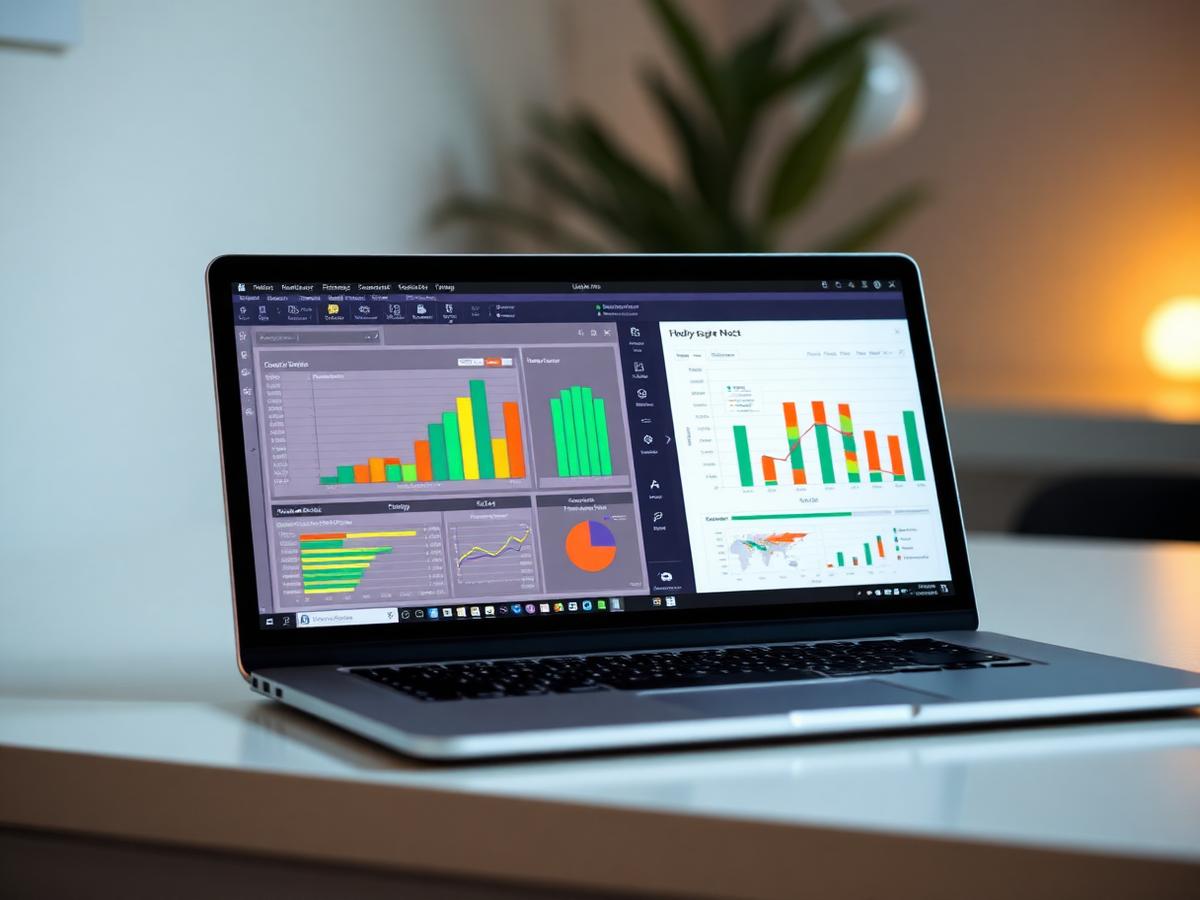
Six sheets to run your whole operation
Sales Tracker
Records daily, weekly, or monthly sales and monitors revenue at a glance.
Customer Records
Keeps a clean, organised database of customers and their purchase history.
Supplier Records
Tracks suppliers, orders, and delivery details in one place.
Inventory / Stock Sheet
Monitors stock levels and flags when it is time to reorder.
Expense Tracker
Records business expenses and shows where money is going.
Monthly Summary Dashboard
A visual overview of performance with charts and key figures.
Who is this for?
- Market traders and shop owners
- Startups and small businesses
- Entrepreneurs managing their own records
- Anyone moving from paper records to a clean digital system
Why Excel?
- No internet connection required after setup
- Compatible with any laptop or computer
- Easy to use: no technical skills needed
- Fully customised to your specific business
- One-time cost: no monthly subscriptions
One-time cost. Yours forever.
- Sales sheet
- Customer sheet
- Sales sheet
- Customer sheet
- Supplier sheet
- Inventory sheet
- All sheets
- Dashboard
- Monthly Summary
All packages include one free revision after delivery.
A simple guide to tracking your business in Excel
How to track business expenses and income in Excel
Create two simple sheets: one for money coming in and one for money going out. Record the date, description, amount, and category for every transaction. At the end of each month, add the totals to see whether your business made a profit or a loss.
How to track inventory for a small business in Excel
List every product, the quantity you have, the cost price, and the selling price. Update the sheet every time you buy or sell stock. Set a minimum stock level so the sheet warns you when it is time to reorder.
How to keep track of sales in Excel
Record every sale with the customer name, product, quantity, price, and date. Group sales by week or month to see which products are performing best and which customers buy most often.
Want a tracker built for your business?
These steps work for simple records, but a custom tracker saves time and reduces mistakes. Dotmira GH designs Excel trackers around your real products, customers, suppliers, and expenses — so you get clear numbers without spending hours on spreadsheets.
Get a custom trackerReady to get started?
Reach out via WhatsApp and we'll build a tracker tailored to fit your business perfectly.
Chat on WhatsApp